Create Tailored Resume Fast
AI creates the copy. You add the polish.
For CS Students & Developers
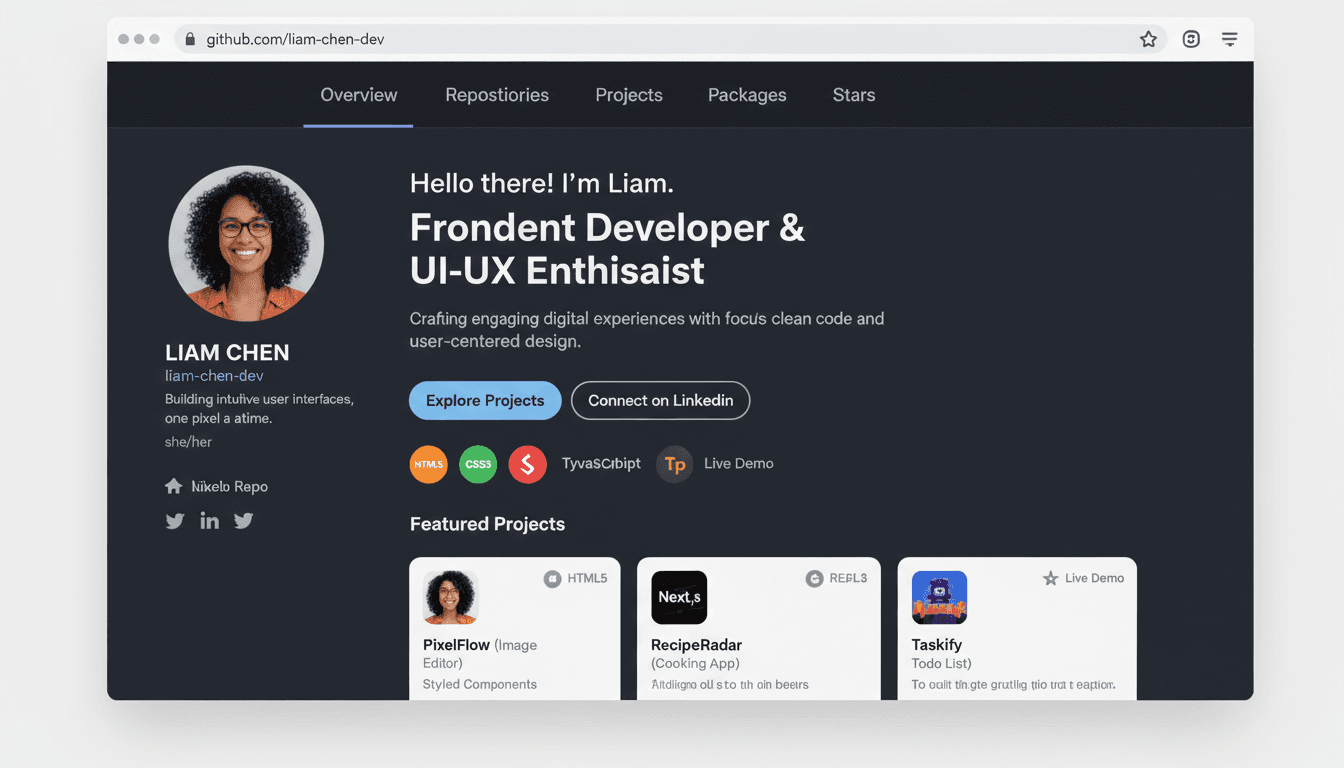
Follow these easy steps to create your professional resume from your GitHub repositories.
Sign up in seconds and link your GitHub account via OAuth.
One-time setup. We auto-fill from GitHub, you add the rest. AI helps you craft the perfect resume summary.
You fine-tune every word with our built-in editor—bold, italic, restructure at will.
Traditional resume builders waste your time. We built something smarter.
Connect your GitHub once. Every repo, commit, and contribution automatically syncs to your profile—ready whenever you need it.
Upload any job description. Our AI instantly tailors your resume to match requirements, keywords, and experience level.
Target senior, mid-level, or junior roles. We auto-adjust your resume's tone, depth, and focus based on years of experience.
Get a polished resume in 5 minutes. Then fine-tune every word with our built-in editor—bold, italic, restructure at will.
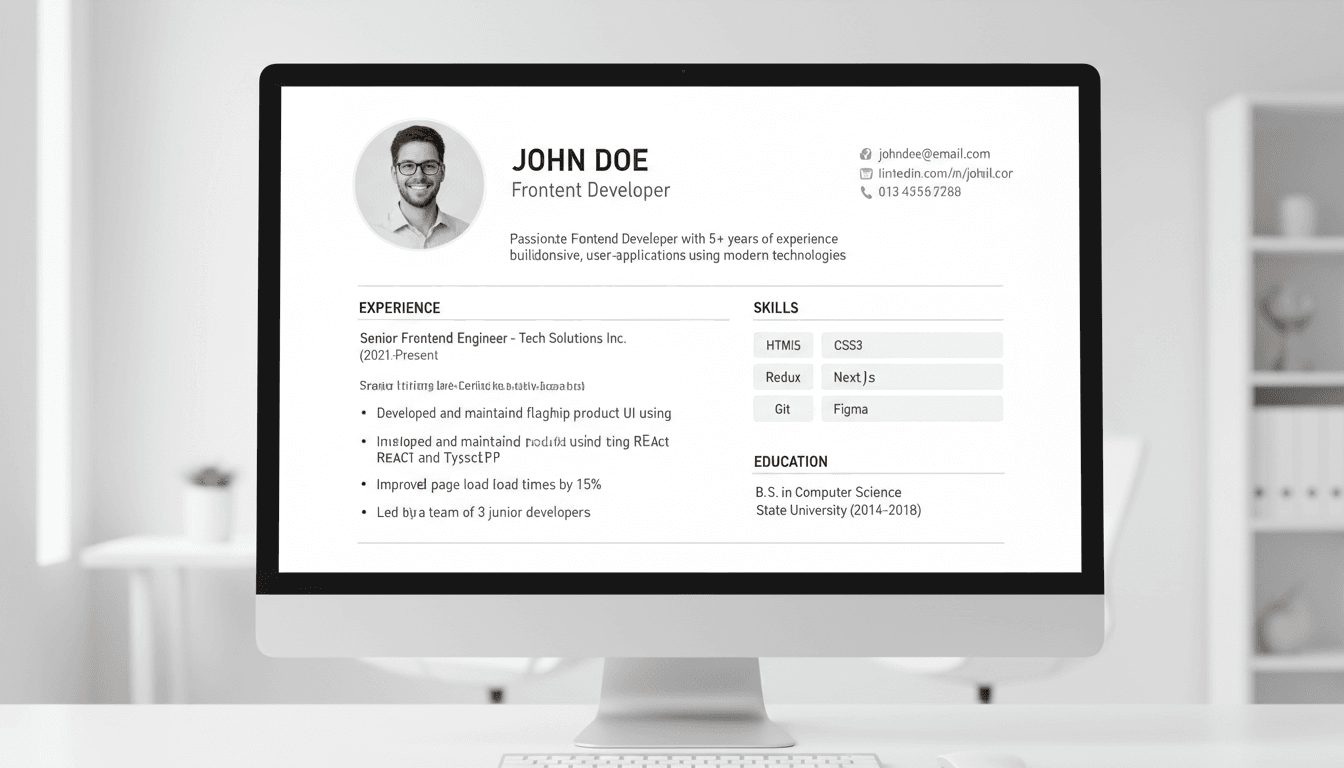
One click to professional PDF. Download and send immediately—no formatting nightmares, no layout breaks.
From GitHub repos to professional resumes in minutes. No more manual formatting or generic descriptions.
Connect once. Select repos. Generate resume.
Create tailored resumes for every role you apply to
Manual Tailoring
2-3 hrs/ each resume
With GitCVs
30 min/resume
Instantly generate customized resumes for every tech role—frontend, backend, full-stack, internships, and more. Save time and stand out with applications tailored in minutes.
Watch how AI converts raw GitHub data into polished resume content
Developed full-stack e-commerce platform using React and Node.js to enable small businesses to sell products online with integrated payment processing
Collaborated with cross-functional teams to deliver...
Implemented automated testing to ensure...
E-commerce Platform

Full-stack online store with
secure payments and admin panel.
Start free and upgrade when you need unlimited resumes and advanced AI features.
Monthly
Annual
Save 58%Free forever
One-time payment
Everything you need to know about creating professional resumes from your GitHub repositories.